Biometric Fingerprint Door Lock Installation: A Complete Guide for Atlanta Homes and Businesses
Fingerprint door locks have moved out of spy movies and into ordinary front doors across Atlanta, Brookhaven, Decatur, and everywhere in between. No more digging for keys in the dark or handing out spare codes you'll forget to change. But before you order one online and grab a screwdriver, it helps to know what the installation actually involves, what it costs to own one long-term, and where these locks fall short.
This guide walks through the real questions homeowners and business owners ask before committing to biometric fingerprint door lock installation — cost, drawbacks, the install process itself, and how to enroll fingerprints once the hardware is on the door.
What Is a Biometric Fingerprint Door Lock?
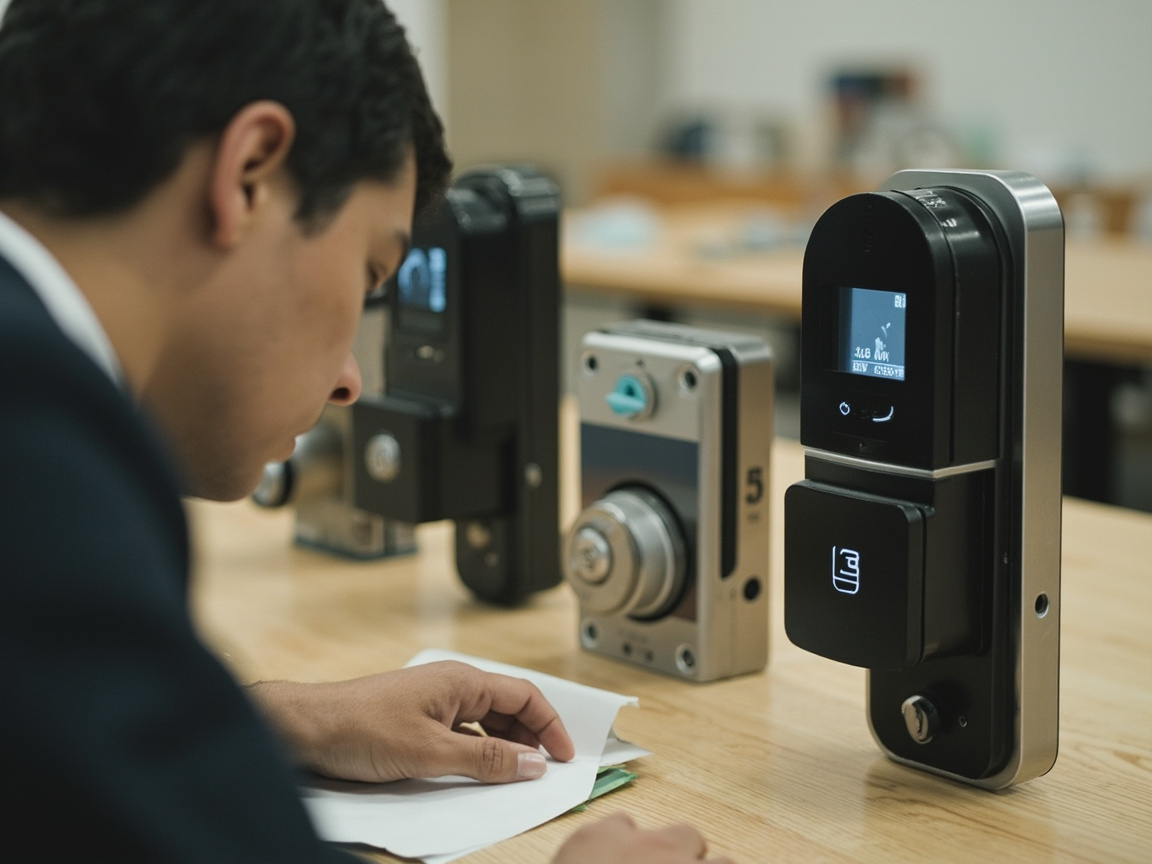
A biometric fingerprint door lock reads and stores a scan of your fingerprint, then uses that scan to release the deadbolt or latch instead of (or alongside) a physical key. Most residential models are designed as retrofit units that fit standard door prep — the same 2-1/8" bore hole and backset spacing used by traditional deadbolts — which is why they're marketed as DIY-friendly.
Commercial versions work the same way but are usually built into access control systems that log entry times and manage dozens or hundreds of users at once, which is a very different install than a single-family front door.
How Much Does a Biometric Fingerprint Door Lock Cost?
Pricing depends heavily on brand, build quality, and whether you're buying a standalone residential unit or a commercial access-control system, so exact figures aren't something we'll quote here — check current listings from manufacturers or retailers for up-to-date pricing. In general, expect entry-level residential locks to sit at the lower end of the smart lock market, mid-range models to add features like app connectivity and multiple unlock methods, and commercial-grade or multi-user systems to cost noticeably more due to added hardware and software.
Installation cost is a separate line item. If you install it yourself, your only real expense is the lock itself. If you hire a locksmith, factor in a service call plus labor, which varies by property type, door material, and whether the existing door prep matches the new lock's requirements.
What Are the Disadvantages of Fingerprint Door Locks?
The main drawbacks are sensor reliability in extreme weather, battery dependence, cost relative to standard deadbolts, and the fact that fingerprints can be affected by cuts, dirt, or aging skin, sometimes causing failed reads. Most models include a backup key or keypad, but that also means the "keyless" convenience isn't always absolute.
A few specifics worth weighing before you buy:
- Weather exposure. Exterior-facing sensors on unsheltered doors can struggle in humidity, direct sun, or freezing temperatures — something to consider on a covered porch versus an exposed entry.
- Battery life. These are electronic locks. If the battery dies and you don't have a physical backup key or the unit lacks external charging contacts, you could be locked out.
- Read accuracy over time. Manual labor, dry skin, or minor injuries can degrade fingerprint recognition, which is why most units support multiple enrolled fingers and a PIN or key fallback.
- Price versus a standard deadbolt. You're paying for convenience and audit-trail features (on commercial units), not necessarily better raw security than a well-installed high-security lock.
- Compatibility. Not every door — especially older doors, metal commercial doors, or doors with non-standard prep — accepts a retrofit biometric unit without modification.
If you're comparing fingerprint locks against other keyless options, our breakdown of keyless door locks pros and cons covers how they stack up against keypads and smart locks more broadly.
How Do I Install a Biometric Door Lock?
Installing a biometric door lock generally takes 15 to 30 minutes with a Phillips screwdriver, following the same basic sequence as replacing any deadbolt: remove the old hardware, fit the new latch and strike plate, mount the exterior and interior lock bodies, then power on and calibrate the sensor. Door thickness and existing bore-hole size determine whether the swap is truly plug-and-play.
Here's the general sequence most residential units follow:
- Remove the old lock. Unscrew and take off the interior lever or knob, then the exterior handle, then the old latch bolt from the door edge. If you're replacing the strike plate too, remove it from the frame.
- Install the new latch. Slide the new latch bolt into the door edge, making sure the beveled (angled) face points toward the direction the door swings shut. Secure it with the included screws.
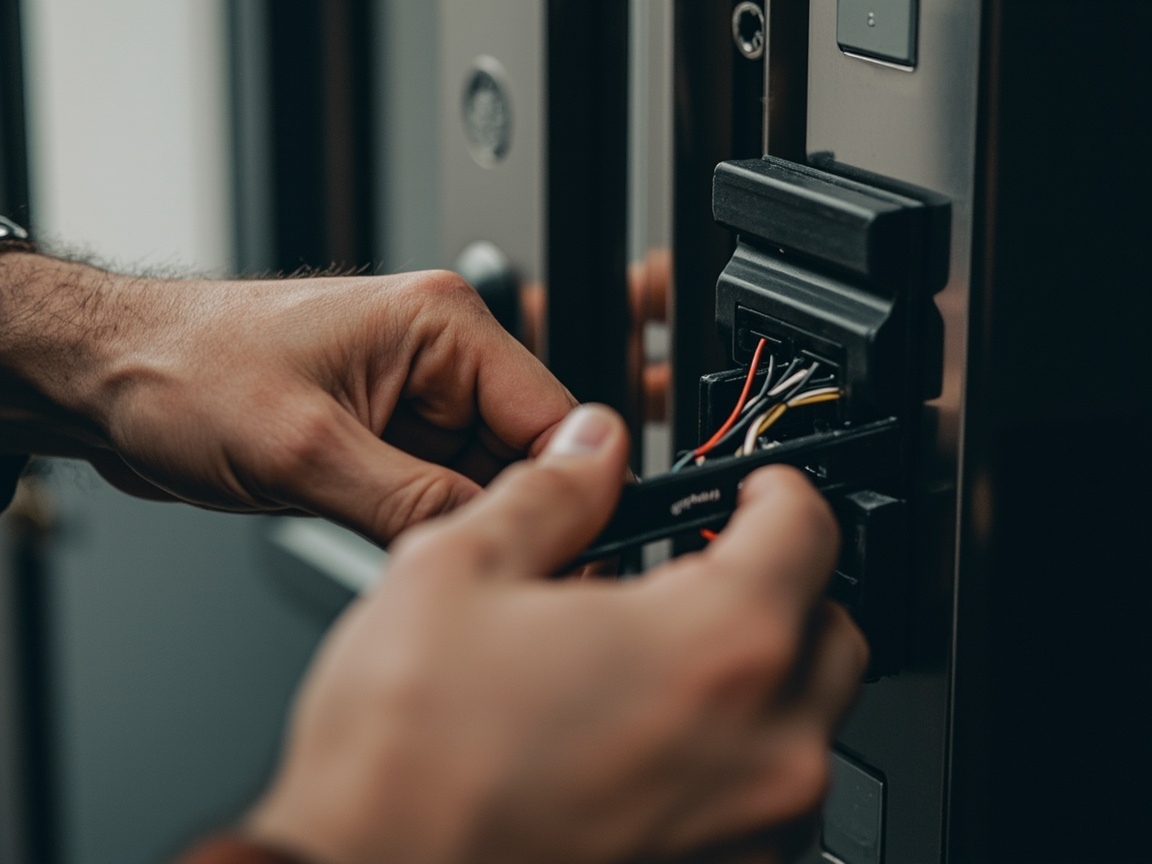
- Mount the exterior unit. This houses the fingerprint sensor and, on most models, a backup keypad or keyhole. Feed any connecting cables through the latch assembly per the manufacturer's diagram.
- Attach the interior assembly. This holds the batteries and the main circuit board. Line up the connecting cable, then screw the interior plate into place, being careful not to pinch any wiring.
- Install batteries and power on. Most units run on standard AA or AAA batteries and will run a self-test or startup chime once powered.
- Test the mechanical function first. Before enrolling any fingerprints, manually turn the interior thumbturn or use the included physical key to confirm the deadbolt throws and retracts smoothly.
- Calibrate and enroll users. Follow the on-screen or audible prompts to set an admin code, then move into fingerprint enrollment (details below).
A biometric fingerprint door lock installation manual is included with every unit and should be your first reference, since screw placement, wiring order, and calibration steps vary between brands. Many manufacturers also publish a biometric fingerprint door lock installation video walking through the exact same steps on camera, which is genuinely useful if you're a visual learner or want to double-check a step before drilling or cutting anything.
That said, manuals and videos assume a standard door and standard existing hardware. If your current bore holes don't line up, your door is solid-core commercial steel, or you're integrating the lock into a multi-door access system, that's when it makes sense to bring in a locksmith rather than force a fit. It's a similar consideration to what we cover in our guide to smart lock installation for beginners — the hardware is often DIY-friendly, but the prep work underneath isn't always.
How Do I Add a Fingerprint to My Door Lock?
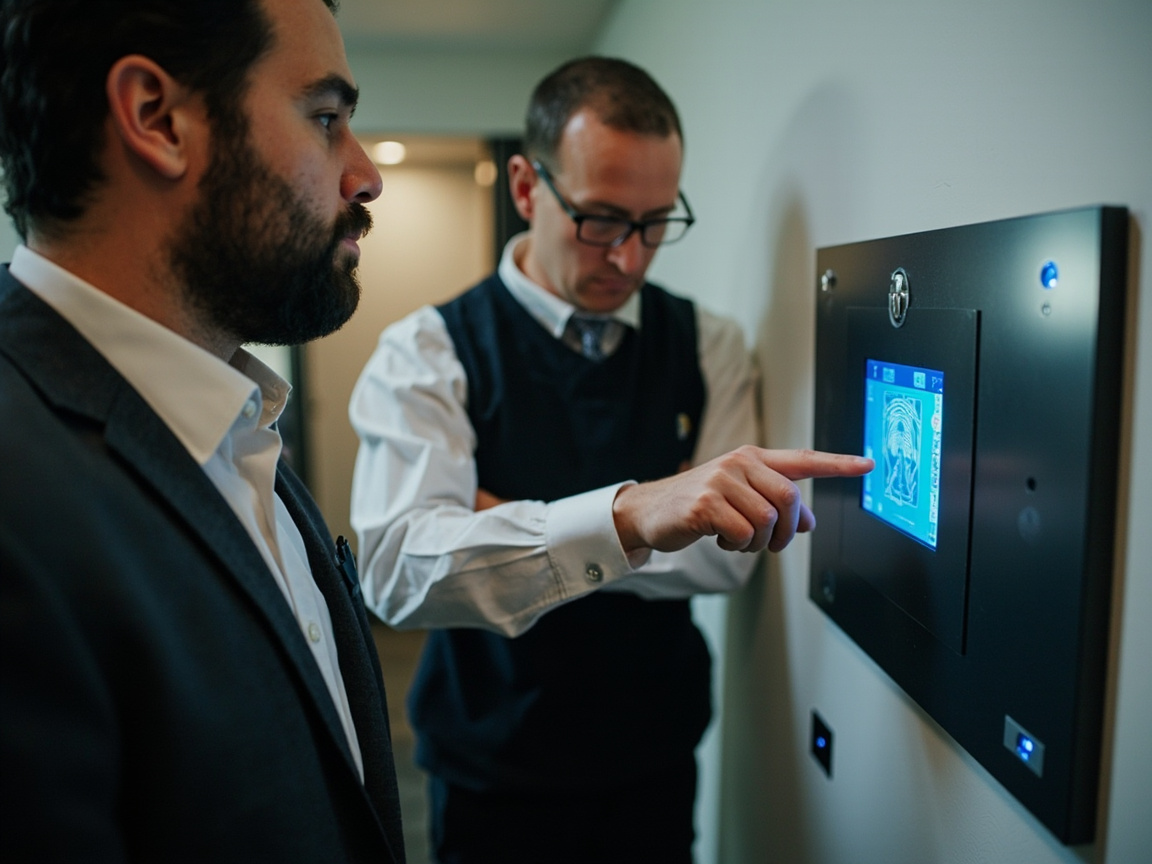
To add a fingerprint, enter the lock's admin or programming mode (usually via a code on the keypad or an app), select "add user" or "enroll fingerprint," then place the same finger on the sensor multiple times — typically three to five scans — until the lock confirms a successful read. Most locks support enrolling several fingers per user and multiple separate users.
A few tips that make enrollment go smoother:
- Enroll more than one finger per person. Register at least two fingers (say, both index fingers) so a minor cut or bandage doesn't lock you out.
- Center the finger fully on the sensor. Partial placements are the most common reason scans fail during enrollment or later use.
- Enroll in good lighting with clean, dry hands. Moisture and dirt reduce read accuracy on optical sensors especially.
- Delete old users when needed. If you're a landlord or business owner, removing a former tenant's or employee's fingerprint should be part of your standard turnover checklist, the same way you'd rekey a traditional lock.
- Keep the admin code private and written down somewhere secure. Losing access to the admin menu can mean a factory reset, which wipes all enrolled users.
DIY Installation vs. Calling a Locksmith
For a straightforward residential front door with standard prep, many homeowners install a biometric lock themselves using the included manual. Where it makes sense to call a locksmith instead:
- The door is solid wood, steel, or fire-rated and needs new bore holes cut to spec
- You're installing across multiple doors or integrating with an existing access control system
- The old lock's hardware doesn't match standard backset or bore dimensions
- You want the mechanical deadbolt function tested and confirmed before trusting it as your primary lock
- You're a business owner who needs the install documented for insurance or compliance purposes
Commercial installations in particular benefit from professional setup, since access logs, multi-user management, and integration with existing door hardware raise the stakes if something's misaligned.
Choosing the Right Biometric Lock for Your Property
Not every fingerprint lock is built for the same job. A few things worth matching to your specific door and use case:
- Residential single-family entry: Look for a unit with a physical key backup and weather-resistant housing if the door faces direct exposure.
- Rental property or Airbnb: Prioritize easy user deletion so you can clear old guests' or tenants' fingerprints between stays without a full reset.
- Small business front door: Consider a model that logs entry times, since that audit trail is often the main reason businesses choose biometric over a standard keypad.
- High-traffic commercial doors: These usually call for hardwired or networked access control rather than a battery-powered retrofit unit — a different category of installation entirely.
Final Thoughts
Biometric fingerprint door lock installation is genuinely within reach for most homeowners with basic tools and a bit of patience, especially on a standard residential door with existing deadbolt prep. Where it gets complicated — solid-core doors, commercial access needs, mismatched hardware, or a lock that just won't calibrate right — is exactly where a locksmith earns their keep, making sure the mechanical lock underneath the fingerprint sensor is actually secure.
If you're weighing a fingerprint lock against other keyless options, or you've got a door that isn't playing nice with the manual's instructions, Crown Locksmith serves Atlanta, Brookhaven, Chamblee, Tucker, Norcross, Dunwoody, Smyrna, Decatur, Stone Mountain, Stockbridge, and Jonesboro for residential, automotive, and commercial locksmith needs — reach out and we'll help you figure out the right lock and the right install for your specific door.