Keypad Door Lock for Small Business: A Complete Buyer's Guide
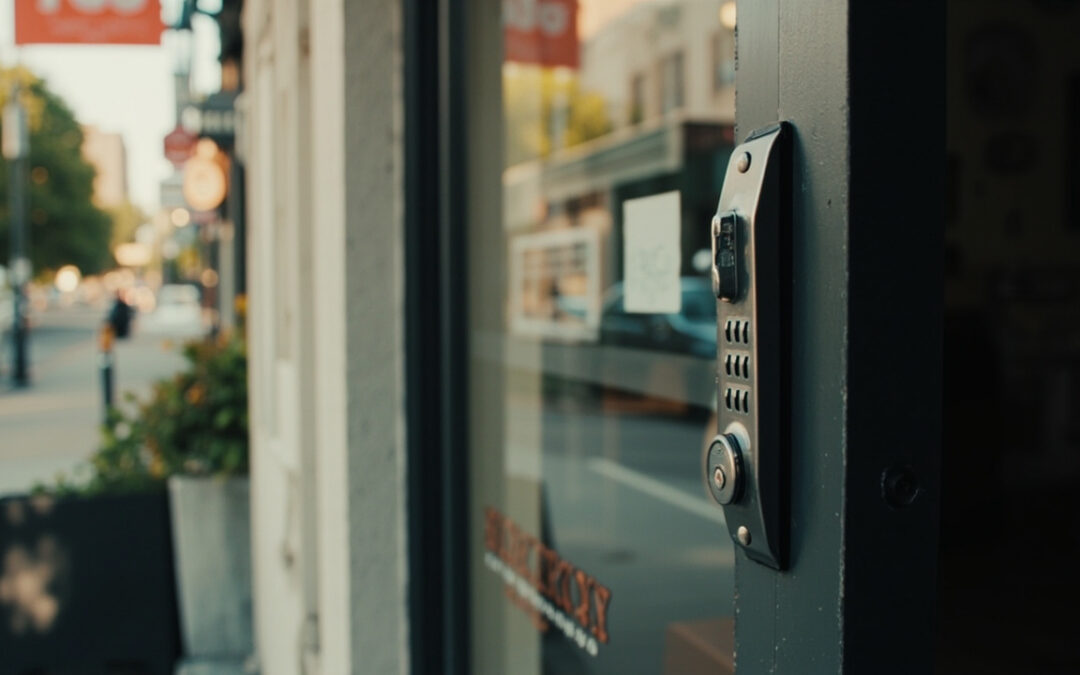
If you're comparing keypad options for your storefront, office suite, or warehouse door, you're really weighing a handful of tradeoffs: how many people need access, whether you want a key backup, how much wiring you're willing to deal with, and whether you ever want to manage access from your phone. A keypad door lock for small business use can solve the daily hassle of rekeying, lost keys, and after-hours access — but only if you match the lock type to your door and your operation.
This guide walks through the main categories of commercial keypad locks, answers the questions small business owners ask most before buying, and flags the tradeoffs that don't show up in a product listing.
What Makes a Good Keypad Door Lock for a Small Business?
Before comparing specific products, it helps to know what actually separates a "commercial" keypad lock from the residential-grade version sold at a big box store. Commercial-grade locks are typically rated for heavier daily traffic and built to a recognized durability standard (ANSI/BHMA grading is the common industry benchmark), and they're designed to survive dozens of open-close cycles a day without the mechanism loosening.
For a small business, the practical questions usually come down to:
- Door traffic — a back office door and a customer-facing entrance have very different duty cycles.
- Number of users — employees, contractors, and vendors who each need their own code.
- Power source — battery-only, hardwired, or a hybrid with battery backup.
- Code management — do you need to add or remove codes often (high staff turnover) or rarely?
- Compliance — fire and life-safety codes may dictate whether a door needs free egress hardware like a panic bar.
Keep those five factors in mind as you read the categories below.
What Are the Best Commercial Keypad Door Locks?
The best commercial keypad door lock for a small business is one matched to your door type and traffic: mechanical pushbutton locks for simple, no-power access; electronic PIN/keypad locks for multi-user code management; and app-enabled or card-based systems for businesses that need remote control or an audit trail of who entered and when.
There isn't a single "best" model — there's a best category for your situation. Here's how the main types break down.
Mechanical Pushbutton Locks
These are entirely mechanical — no batteries, no wiring — and work by requiring a specific sequence of buttons to be pressed to retract the latch. Well-known commercial lines in this category include products like the Simplex 1000 Series (available in knob and lever versions) and similar pushbutton locks from manufacturers such as Cal-Royal. They're a solid fit for back doors, storage rooms, or utility closets where you want simple shared access without managing batteries or software.
Pros: no power needed, very low maintenance, hard to hack electronically.
Cons: usually only supports one shared combination at a time, and changing the code typically means a technician resetting the internal mechanism rather than a quick keypad reprogram.
Electronic PIN Keypad Locks
Electronic keypad locks (sometimes called digital locks) run on batteries and let you assign individual PIN codes to different employees. Products in this category — such as digital access locks from Alarm Lock or Cal-Royal's electronic keypad lines — typically allow you to add or delete user codes directly at the lock, without rewiring anything.
Pros: multiple user codes, easier to update than mechanical models, many include a mechanical key override for backup entry.
Cons: battery-dependent (needs periodic battery swaps), and code management is done one lock at a time unless the system is networked.
RFID Card / Key Fob Keypad Locks
Some commercial keypad locks combine a PIN pad with card or fob credential readers — for example, Cal-Royal's CR6100 series pairs a keypad with RFID card and key fob access. This gives employees a choice of entry method and makes it easier to deactivate a single credential if a fob is lost, rather than resetting a shared code for everyone.
Electrified / Access-Controlled Locks
At the higher end, electrified locks tie into a building's access control system, allowing centralized management, activity logs, and remote lock/unlock. Commercial hardware manufacturers like Schlage and Dormakaba offer electrified and networked lock options built for exactly this kind of setup.
Schlage Keypad Door Locks for Small Business
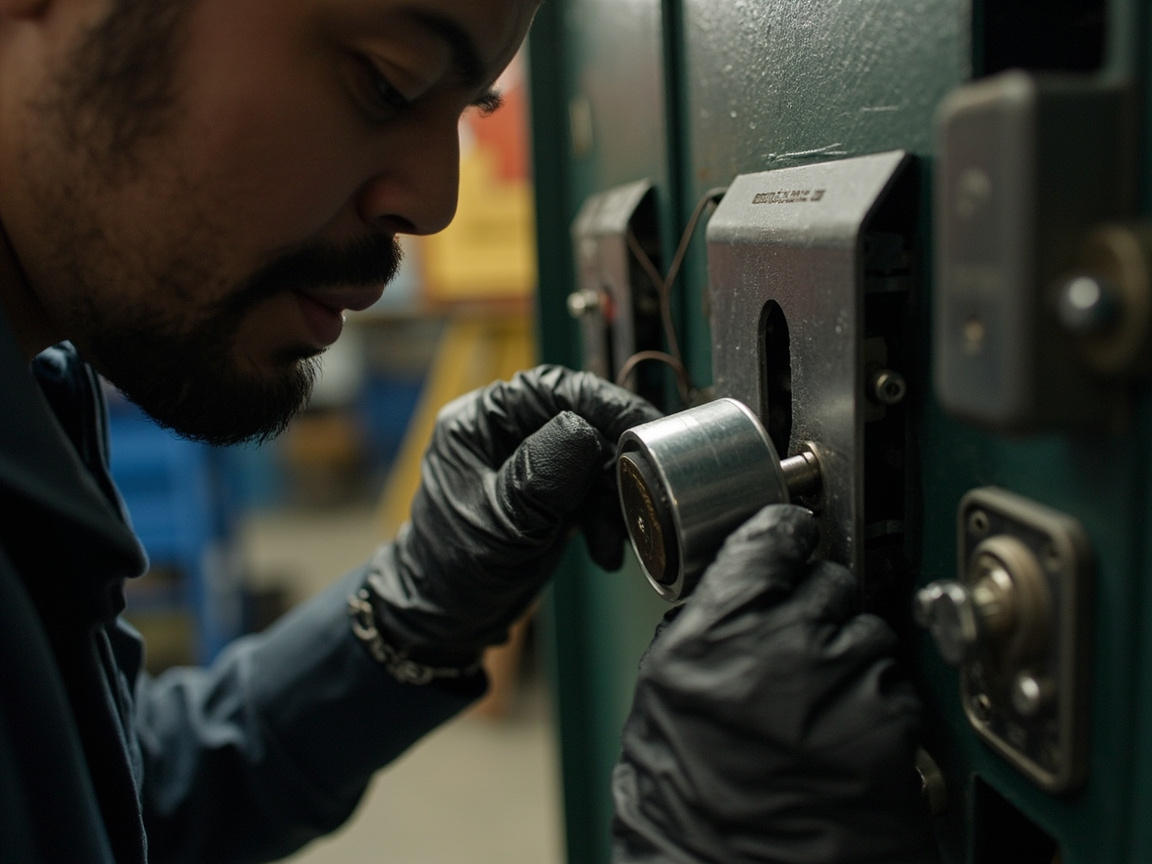
Schlage is one of the most established names in commercial door hardware, and its commercial lineup includes both standalone electronic locks and fully electrified options built for access-controlled systems. For a small business, Schlage's standalone electronic keypad locks are generally the more practical starting point — they don't require a full access control backbone, they support multiple user codes, and they're built to commercial hardware standards rather than residential ones.
If you're already using (or considering) a broader building access control system, Schlage's electrified lines are designed to integrate with that infrastructure, which matters if you're planning to add card readers, remote monitoring, or multi-door management down the road. Our guide to door access control breaks down how these networked systems work and when they make sense for a growing business.
Wireless Keypad Door Locks for Small Business
Wireless commercial keypad locks operate independently at each door — no wiring runs back to a central panel — and communicate (if at all) over Wi-Fi or Bluetooth rather than hardwired cable. For a single-location small business, this usually means faster, less invasive installation, since there's no need to run conduit through walls.
The tradeoff is that most wireless keypad locks are still standalone at the door level. If you want true centralized management across several doors or locations, you're typically looking at a hardwired or hybrid electrified system instead. For a single office, retail suite, or small warehouse, a wireless standalone keypad lock is often the more cost-effective and less disruptive choice.
Keypad Door Lock for Small Business With Key
Most reputable commercial keypad locks — mechanical and electronic alike — include a mechanical key override as a backup. This matters more than it might seem: if the battery dies on an electronic keypad lock, or if the keypad itself fails, a key override means you're not locked out of your own business waiting on a service call.
When comparing keypad locks, it's worth explicitly asking (or checking the spec sheet) whether a key override is included, since a small number of budget models skip it entirely in favor of a keypad-only design.
Keyless Entry Door Lock With Handle vs. Deadbolt-Style
Commercial keypad locks generally come in two hardware formats:
- Lever/handle-style locks — the keypad is built into a lever handle that also latches the door, similar to a standard commercial door lever. These are common on interior office doors and are often easier to retrofit onto existing commercial door prep.
- Deadbolt-style keypad locks — a separate keypad deadbolt above or below the existing handle, which adds a second point of security in addition to the primary latch.
Which one you need depends on the door. A single interior office door might only need a keypad lever. An exterior entrance that already has a panic bar or a separate handle set may need a deadbolt-style keypad unit instead, or a keypad already integrated into an exit device (more on that below).
Commercial Keyless Entry Door Lock With App
App-connected commercial locks let an owner or manager add, remove, or temporarily issue access codes from a smartphone rather than reprogramming the lock in person. For a small business, this is most useful when you have multiple employees with rotating schedules, occasional contractors who need short-term access, or more than one location to manage.
The catch is that app-based control generally requires either a Wi-Fi-connected lock or a hub/bridge device, plus an ongoing account with the manufacturer's software. It's a genuinely useful feature for the right business, but it adds a layer of dependency on the manufacturer's app and servers that a purely mechanical or standalone electronic keypad doesn't have. Our breakdown of keyless door locks pros and cons goes deeper into that tradeoff if you're deciding between app-based and standalone options.
Can You Install a Keypad Lock on a Commercial Office?
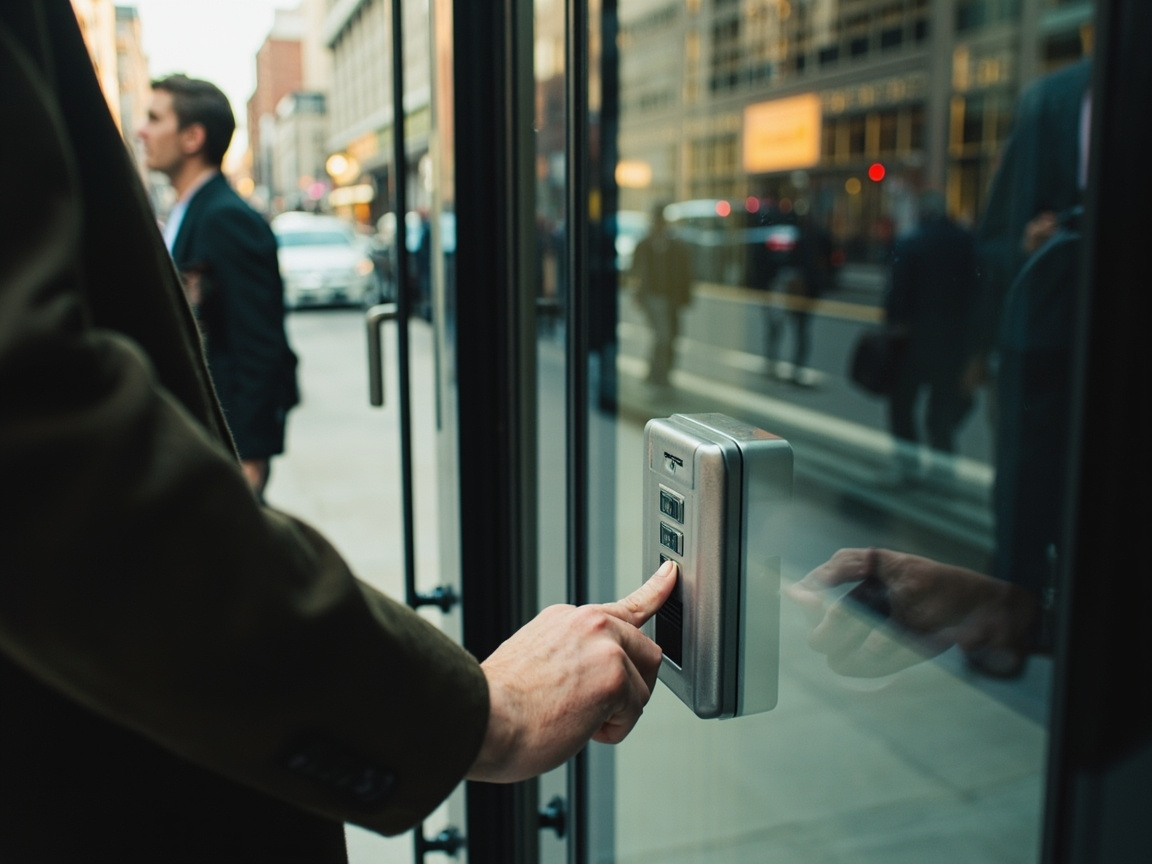
Yes — most commercial office doors can accept a keypad lock, provided the door is properly prepped (or can be prepped) for the hardware and the lock meets any applicable fire, egress, and ADA requirements for that specific door. Interior office doors are generally the most straightforward installation.
Exterior doors, fire-rated doors, and any door that serves as a required exit typically have additional code requirements — for example, an exit door usually needs to allow free egress without a key or code from the inside, which is why panic bar compatibility (covered below) matters for many commercial entrances. A commercial locksmith can evaluate your specific door and confirm what's allowed before installation, since requirements vary by jurisdiction and by the building's occupancy classification.
Can I Put a Keypad Lock on Any Door?
Not quite — a keypad lock has to be compatible with the door's existing prep (the cutouts for the latch and strike), its thickness, and its fire rating if applicable. A hollow interior door, a solid commercial door, and a fire-rated exit door each have different hardware requirements, and not every keypad lock is rated for every door type.
This is one of the more common surprises for business owners who order a lock online expecting a simple swap. Retrofitting a keypad lock onto a door that wasn't prepped for it may require additional door prep work, a different lock model entirely, or in some cases isn't advisable at all — particularly on fire-rated doors, where hardware substitutions can affect the door's certification. If you're unsure what your door can accept, it's worth having it assessed before buying hardware rather than after.
What Are the Disadvantages of Keypad Door Locks?
The main disadvantages of keypad door locks are shared codes becoming compromised over time, battery dependency on electronic models, and the fact that keypad wear patterns (visible finger oils or worn buttons) can sometimes reveal which digits are in the code. None of these are dealbreakers, but each is worth planning around.
A closer look at the tradeoffs:
- Code sharing and turnover. If several employees share one code, it's hard to know who actually used it, and every time someone leaves, you either have to trust they won't share the old code or reset it for everyone.
- Battery maintenance. Electronic keypad locks need periodic battery changes; if that maintenance gets missed, the lock can fail at an inconvenient time (though most include a key override as backup).
- Visible wear patterns. On some keypad models, the most-used buttons show visible wear, which can narrow down the code for someone paying close attention.
- Weather and outdoor exposure. Exterior keypads can be affected by extreme temperatures or moisture over time, depending on the model's rating.
- No fingerprint-level accountability on basic shared-code models — you know a valid code was entered, not necessarily which person entered it, unless you're using an individual-PIN or credential-based system.
For a full comparison of these tradeoffs against traditional keyed locks and other keyless options, see our guide on keyless door locks pros and cons.
Commercial Keypad Door Lock With Panic Bar
Many commercial exit doors are required to have panic hardware (also called an exit device or crash bar) that allows anyone to exit by simply pushing the bar, without needing a key or code. If your business needs keypad access control on a door that also requires panic hardware, the keypad has to be built into or paired with the panic bar system on the outside, while the inside push-bar mechanism remains free of any lock or code — that's the whole point of the hardware.
Several manufacturers make keypad or card-reader trim specifically designed to pair with panic bar exit devices, letting you control entry from the outside while keeping unrestricted egress from the inside intact. If your building has panic hardware installed, don't assume a standard keypad deadbolt is compatible — this is a case where getting a professional assessment before purchasing hardware saves you from buying something that either won't install correctly or won't meet code.

Commercial Keypad Door Lock Installation: What to Expect
Installing a keypad lock on a commercial door generally involves confirming the door's existing prep matches the new hardware, mounting the lock body and keypad mechanism, wiring or pairing the electronic components (for electronic and app-based models), and programming the initial access codes or credentials.
A few things that commonly complicate a straightforward swap:
- Mismatched door prep — older commercial doors were sometimes prepped for a different bore size or backset than modern keypad hardware expects.
- Fire-rated doors — hardware has to be rated compatible with the door's fire label; not every keypad lock qualifies.
- Panic hardware integration — as noted above, pairing a keypad with an exit device isn't a plug-and-play swap.
- Power and wiring — electrified locks may need power run to the door, which is a bigger job than a battery-powered standalone unit.
If you're weighing whether to attempt installation yourself or bring in a professional, our smart lock installation for beginners guide walks through what's realistically DIY-friendly versus what benefits from a locksmith's assessment — especially relevant for commercial doors where code compliance is on the line.
Quick Comparison: Which Keypad Lock Fits Your Business?
| Business Situation | Lock Type Worth Considering |
|---|---|
| Back door, storage room, low turnover staff | Mechanical pushbutton lock |
| Multiple employees, occasional code changes | Standalone electronic PIN keypad |
| Lost fobs are a concern, want individual credentials | RFID/keyfob + keypad combo |
| Multiple locations or need remote code management | App-connected commercial keypad lock |
| Growing business planning a full access system | Electrified lock integrated with access control |
| Exterior exit door with panic hardware | Keypad trim built for panic bar integration |
Choosing the Right Fit for Your Business
There's no universal "best" keypad door lock for small business use — the right choice depends on your door type, how many people need access, whether code compliance factors like panic hardware are in play, and how much ongoing management you actually want to do. A single back office might do fine with a simple mechanical pushbutton lock, while a growing retail operation with multiple staff schedules might get real value out of an app-connected system.
If you're not sure which category fits your specific doors — or whether your current door can even accept the hardware you're considering — it's worth getting a professional assessment before you buy. Crown Locksmith works with residential, automotive, and commercial clients throughout Atlanta and nearby communities including Brookhaven, Chamblee, Tucker, Norcross, Dunwoody, Smyrna, Decatur, Stone Mountain, Stockbridge, and Jonesboro, and can help evaluate which keypad lock setup makes sense for your specific business and doors.